
You have Ollama Cloud. You have models like kimi-k2.7-code or qwen3-coder:480b waiting in the cloud. But you are missing the piece that ties it all together: the harness. Without the right harness, your model is an engine without a chassis. With the right one, it is a race car. Let’s review the harnesses for Ollama Cloud you can install today, ranked from best to worst.
What are harnesses for Ollama Cloud?
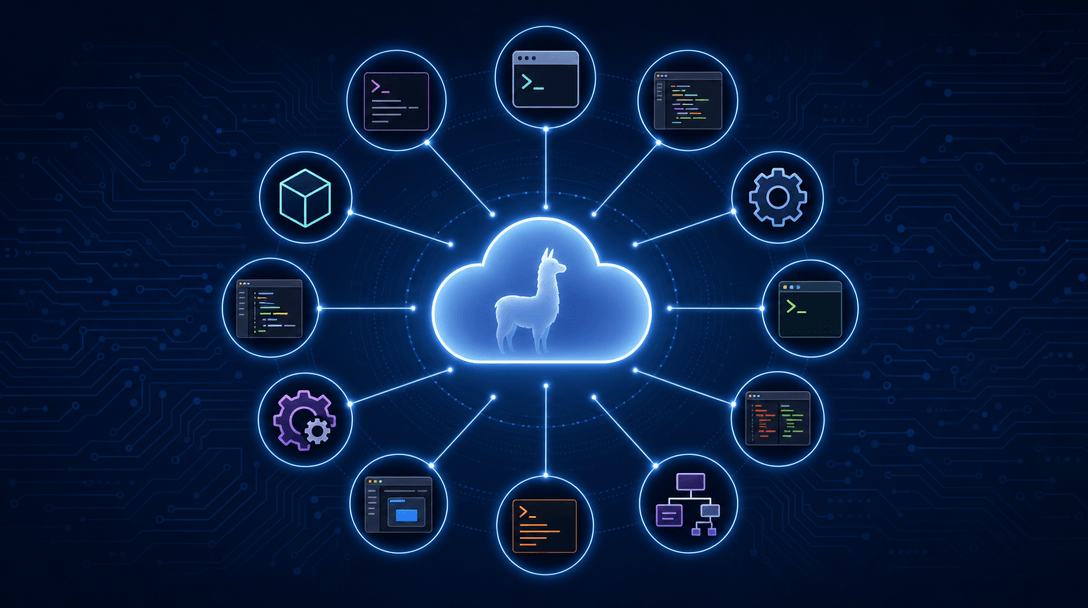
A harness is the software layer that wraps the AI model and connects it to your code, your terminal, and your tools. It reads your repository, edits files, runs commands, and decides when a task is done. Ollama Cloud provides the models in the cloud —from kimi-k2.7-code to deepseek-v4-flash— and the harnesses provide the operational intelligence: subagents, web search, vision, file editing, tool calling. Without a good harness, a cloud model is just a chat. With the right harness, it is an autonomous developer.
The ranking: 12 harnesses, best to worst
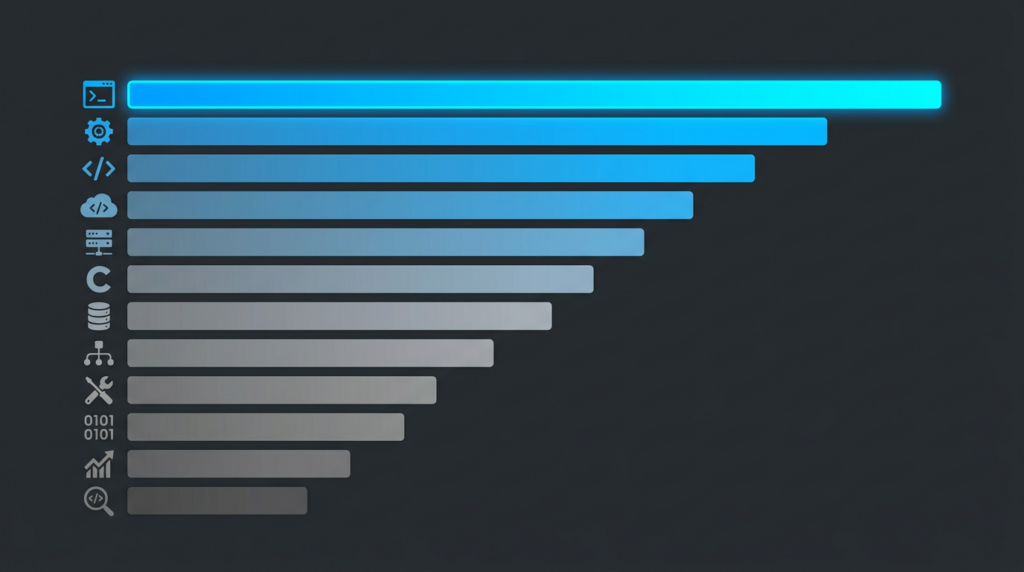
1. Claude Code
The most complete harness on the market. Recursive subagent spawning up to five levels deep, vision for sending screenshots, thinking controls, web search and web fetch. Scheduled tasks with /loop (e.g., “check my PRs every 30 minutes”). Telegram plugin to control sessions from your phone. Cloud setup in one line: ollama launch claude --model kimi-k2.7-code:cloud. If you can only pick one, this is it.
2. Oh My Pi (OMP)
The surprise of the year. A terminal agent with a built-in language server, native debugging tools, browser access, plugins, and subagents. OMP turns your terminal into something that resembles a full IDE. Launch: ollama launch omp --model kimi-k2.7-code:cloud. Its combination of debugging plus language server in the terminal is unmatched on this list.
3. OpenCode
The open-source king. MIT license, 172K GitHub stars, 75+ providers supported. Subagents, web fetch, and vision. No native web search, but its flexibility compensates: switch between Ollama Cloud and any other provider without changing tools. ollama launch opencode --model kimi-k2.7-code:cloud.
4. Codex App
OpenAI’s desktop option for macOS and Windows. Its superpower is a built-in browser where you can annotate changes directly on a web page. Review mode to inspect diffs, leave comments, and iterate fixes. ollama launch codex-app --model kimi-k2.6:cloud. Not a terminal tool, but for those who prefer a visual app, it is the best cloud experience.
5. Cline CLI
An autonomous agent with an integrated Kanban board. Manage tasks visually from the terminal with cline kanban. Simple but effective. ollama launch cline --model kimi-k2.7-code:cloud.
6. Codex CLI
OpenAI’s terminal agent. Its standout feature: concurrent specialized subagents that collaborate on a feature without blocking each other. ollama launch codex --model kimi-k2.7-code:cloud.
7. Copilot CLI
GitHub brings its agent to the terminal with a headless mode designed for CI/CD: ollama launch copilot --model kimi-k2.5:cloud --yes -- -p "how does this repository work?". Ideal for automated pipelines where no human is in the loop.
8. Pi
Minimalist and extensible. Only 4 core tools (read, write, edit, bash); everything else is added via /skill:name from npm or git. Its crown jewel: pi-autoresearch, which launches autonomous optimization loops. Tell it “optimize bundle size” and Pi experiments, measures, keeps improvements, reverts regressions, and commits. With a dashboard and confidence scoring. ollama launch pi --model qwen3.5:cloud.
9. Droid
Factory.ai’s agent. Works, but the Ollama Cloud integration is less polished than the others. Recommended model: ollama launch droid --model qwen3-coder:480b-cloud. Requires 64K+ context.
10. Goose
Backed by the Linux Foundation. Desktop plus CLI, but basic: select a provider and model, and not much else. No subagents, no web search, no vision. goose configure and start coding.
11. DeepSeek Harness
In developer preview. Automatic web search with no extra configuration, optimized for DeepSeek models. ollama launch dsh --model deepseek-v4-flash:cloud. Promising, but its configuration may change between releases.
12. Pool
Enterprise-oriented. Governance, audit logs, sandboxes, Jira and GitHub Enterprise integration. ollama launch pool --model kimi-k2.6:cloud. For an individual developer, it is overkill.
Which cloud model for each harness
Not all harnesses need the same model. The key is matching the harness capabilities with the model’s. Here are the winning combinations for Ollama Cloud.
For Claude Code, Oh My Pi, OpenCode, Cline CLI, and Codex CLI —the agentic harnesses— the obvious choice is kimi-k2.7-code:cloud. It is the only Ollama cloud model specifically optimized for long-horizon agentic coding, with vision, tools, and thinking simultaneously, and roughly 30% lower thinking-token usage than its predecessor K2.6. More useful tokens for code, fewer spent on internal reasoning. If you want to dig deeper into model benchmarks, NeuralCoreTech publishes an updated comparison as of August 2026 covering the major agents and models.
For Codex App, where code quality matters more than agentic behavior, the generalist kimi-k2.6:cloud remains the better choice. For Copilot CLI in CI/CD, the officially recommended models are kimi-k2.5:cloud and glm-5:cloud. And for DeepSeek Harness, obviously deepseek-v4-flash:cloud, with automatic web search.
Quick setup in under five minutes
The beauty of harnesses for Ollama Cloud is that setup is trivial. Install Ollama, run ollama signin to connect your cloud account, and launch any harness with a single command. No complex environment variables, no proxies, no manual configuration. If you already have Claude Code installed, for example:
ollama launch claude --model kimi-k2.7-code:cloudAnd you are coding with a GPT-4o-level model in the cloud, for free, from your terminal, with subagents and web search. The barrier to entry has never been lower. If you already have experience self-hosting models with Ollama, the jump to cloud is immediate — the harnesses for Ollama Cloud use the same endpoint as your local server.
Conclusion: do not pick one, pick two
The most common stack in August 2026 is not one harness, but two. Claude Code with kimi-k2.7-code:cloud for heavy multi-file work with subagents, and Pi for autonomous optimization when you need to reduce bundle size or speed up tests. Both point to the same Ollama Cloud endpoint. You just pick the harness based on the task. The era of paying $20 a month for a Copilot you cannot configure is over. You now have 12 options, free, with frontier cloud models. The question is no longer whether you can code with AI in the cloud. It is which harness you will try first.
Part of this content has been generated with AI and reviewed by the author.